Explainer: How Live Newsrooms Verify Eyewitness Photos and Videos
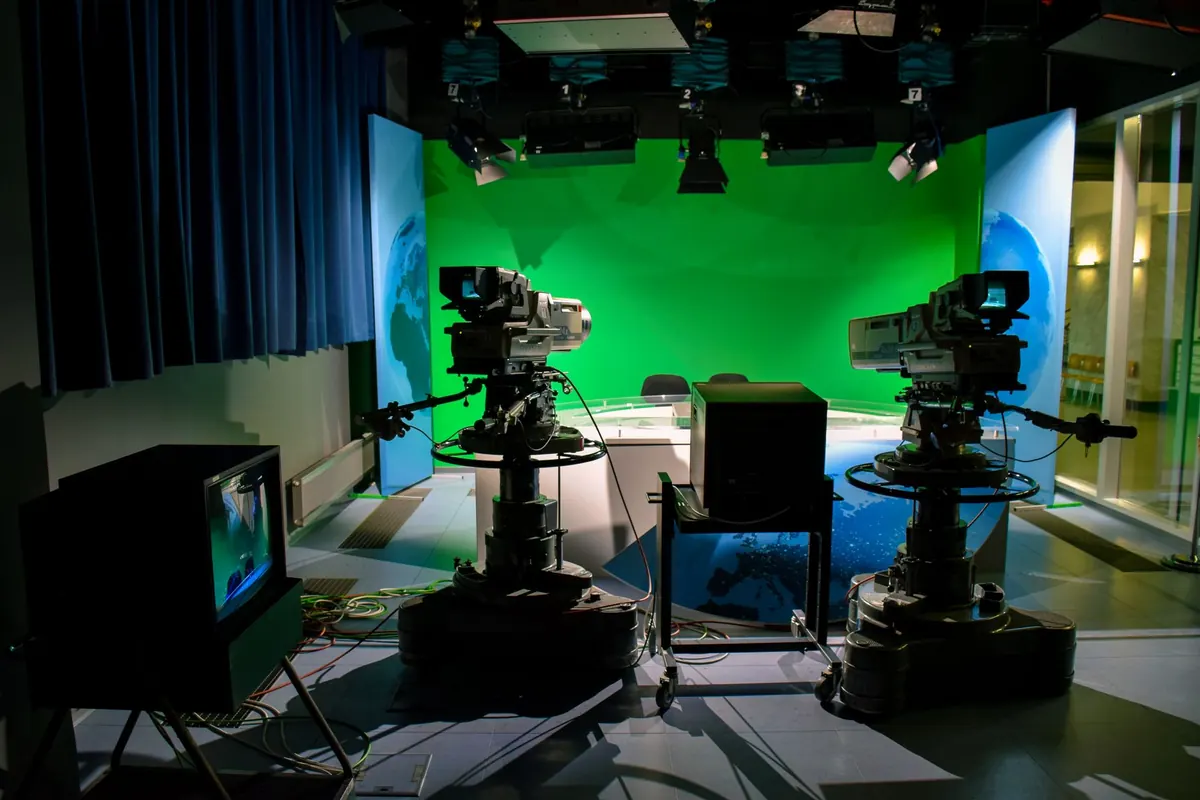
A photo arrives in the newsroom inbox at 11:42pm: thick smoke above a row of shops, people running, a scooter abandoned at an angle. The message is three lines long, no name, no location, and a claim that it was taken twenty minutes ago, two streets from where firefighters are working. Within the hour it could be on the live blog. Before that happens, someone has to answer a stubborn question: is this what it says it is? Verification is slow, unglamorous, and the reason a live desk can move fast without leaving a trail of corrections behind it.
Why eyewitness material gets a second look
Live coverage runs on material nobody in the building shot. That is the point of it — a reporter cannot be on every corner, and the people who are already there are holding phones. The trade is simple: the desk gets reach, and in exchange it takes on the responsibility of checking the material itself.
Most eyewitness posts are genuine. Some are genuine but old. A smaller number are mislabelled, recaptioned, or lifted from somewhere else entirely, and a few are deliberately faked. The problem is that all four look identical on a phone screen at midnight. A dramatic image with the right landmarks in the background does not tell you which year it was taken in, or which street, or whether the fire in the frame is the fire currently being fought.
So the work is not about catching liars. It is about separating four questions that arrive tangled together: is this image original, is it from here, is it from now, and does it show what the caption claims?
Reverse image search: the first five minutes
The first move is usually the cheapest one. Crop the image down to the distinctive part — the building, the vehicle, the face of the crowd — and run it through more than one search engine. Results differ between them, and an image that returns nothing on one may surface immediately on another. Save the file first; uploads and pasted links are not always treated the same way.
Then read the results properly. What matters is not whether something similar exists, but which version is oldest and where it first appeared. A photo used by a local outlet three years ago is a problem. A photo used by a local outlet forty minutes ago, credited to the same person who sent it to you, is a normal night.
- Crop to the most recognisable element, not the whole frame.
- Run the crop through at least two visual search tools and one text search on the location plus the event.
- Look for the earliest copy, not just any copy.
- Check whether the version you have is cropped, mirrored, or colour-shifted from the original — those edits are often the sign of a recaption.
- If you find an older match, ask whether it is a different event entirely before assuming anything worse.
Video needs its own step: pull a few frames from different moments and search those separately. Thumbnails can be misleading, and a clip's opening shot is sometimes the only part that is actually new.
Metadata: thin evidence, still worth reading
Original files carry information about the device and, sometimes, the time and coordinates where they were made. On a good day that is a strong lead. On most days it is gone, because the platforms people use to share images strip it out, and screenshots never had it in the first place. Anyone can also edit it in a minute with free tools.
The practical rule: metadata can support a conclusion, never carry one. If the timestamp says the clip was recorded at 22:14 and the fire was reported at 22:31, that is a discrepancy worth resolving, not a verdict. If the GPS coordinates land in a field outside town, that is a question, not proof of deceit — phones guess, and cameras get their time wrong after a flight.
What is worth doing is asking for the original file, not a forwarded copy. If the person filmed it, they still have it. A file sent directly, rather than through a messaging app, keeps more of its history intact.
Geolocation: matching the frame to the ground
This is where a claim becomes a fact or falls apart. Start wide and work inward. The shape of the skyline, the direction of a slope, a river bend, the position of a tower against the horizon — those narrow a city before you ever look at a shopfront.
Work from big shapes to small details
Satellite imagery and street-level photography cover far more of the world than most people assume. Move the view along the likely street, then match the fixed things: road markings, the spacing of streetlights, a distinctive bollard, the pitch of a roof, the placement of a bin, the format of a road sign. Utility poles are useful. So are the languages on the shopfronts and the direction the traffic runs.
Confirm with a second, independent feature
One match is a coincidence. Two or three matches from different angles, or from different sources, is a location. Get into the habit of noting the exact frame second where each feature appears, so a colleague can check your work without repeating it. If the only thing that matches is a generic wall, you have not geolocated anything.
Time: shadows, weather, and the clock nobody checks
Once you know where, the question of when usually has a physical answer. Sun position tools will tell you where the sun should be at a given hour on a given date at that spot; the shadows in the frame either fit or they don't. Weather archives do the same job for rain, cloud cover and snow. Trees, leaves and the state of the street — barriers up, market stalls packed away, a road closed — all narrow the window.
Compare that with the timeline of the event itself. When was the first report? When did the emergency services arrive? When did the road close? An image showing an empty street at a moment when the street was full of fire engines is not necessarily false, but it needs an explanation before it goes anywhere near a live blog.
The review nobody outsources
Tools produce findings. People make decisions, and good desks make them with more than one person in the room. The routine that works is boring: the person who checks the material writes down what they found, what they could not confirm, and what they are still unsure about. A second editor reads it and looks for the gap — the assumption made in a hurry, the detail that was never actually matched.
Then someone tries to talk to the person who sent it. A short call answers more than an hour of guessing: where were you standing, what happened just before you started filming, what happened after, do you have the clips either side of this one, can we credit you by name. Most people are happy to explain. The ones who are not are not automatically lying, but you now know what you don't know, and the caption can say so.
Publish what you have verified. Describe the rest as unverified, in plain words, on the same screen as the image.
That sentence is the whole editorial policy in miniature. A caption that says "footage posted online appears to show…" is honest if it is true, and dishonest if the desk has actually confirmed the location and simply not said so. Language should reflect the work, not decorate it. And if a check later fails, the correction goes where the original claim went — same page, same prominence, no quiet deletion.
A checklist you can keep
Print it, paste it into the live blog template, hand it to whoever is on the desk at 2am. It takes about ten minutes and saves considerably more.
- Save the original file before you do anything else.
- Reverse-search at least two crops, across more than one engine.
- Find the earliest version and check who posted it first.
- Read the metadata, then set it aside as supporting evidence only.
- Match three fixed features to street-level or satellite imagery.
- Check shadows, weather and the event timeline against the claimed hour.
- Ask the uploader for the original file, the surrounding clips, and permission to credit them.
- Write down what you confirmed, what you didn't, and have someone else read it.
- Caption it at the level of certainty you actually reached.
None of this makes a live desk slow. It makes it fast in the right places — quick to publish what is solid, quick to say what is not yet known, and quick to correct when the picture changes.
Photo: SHAHBAZ ZAMAN / Pexels